 AutoJournal AI
Your Work Day, Automatically Journaled.
Private, Offline, and Blazing Fast.
The lightweight Mac tracker that builds a detailed timeline of your day solely using window activity. No screenshots. No cloud uploads.
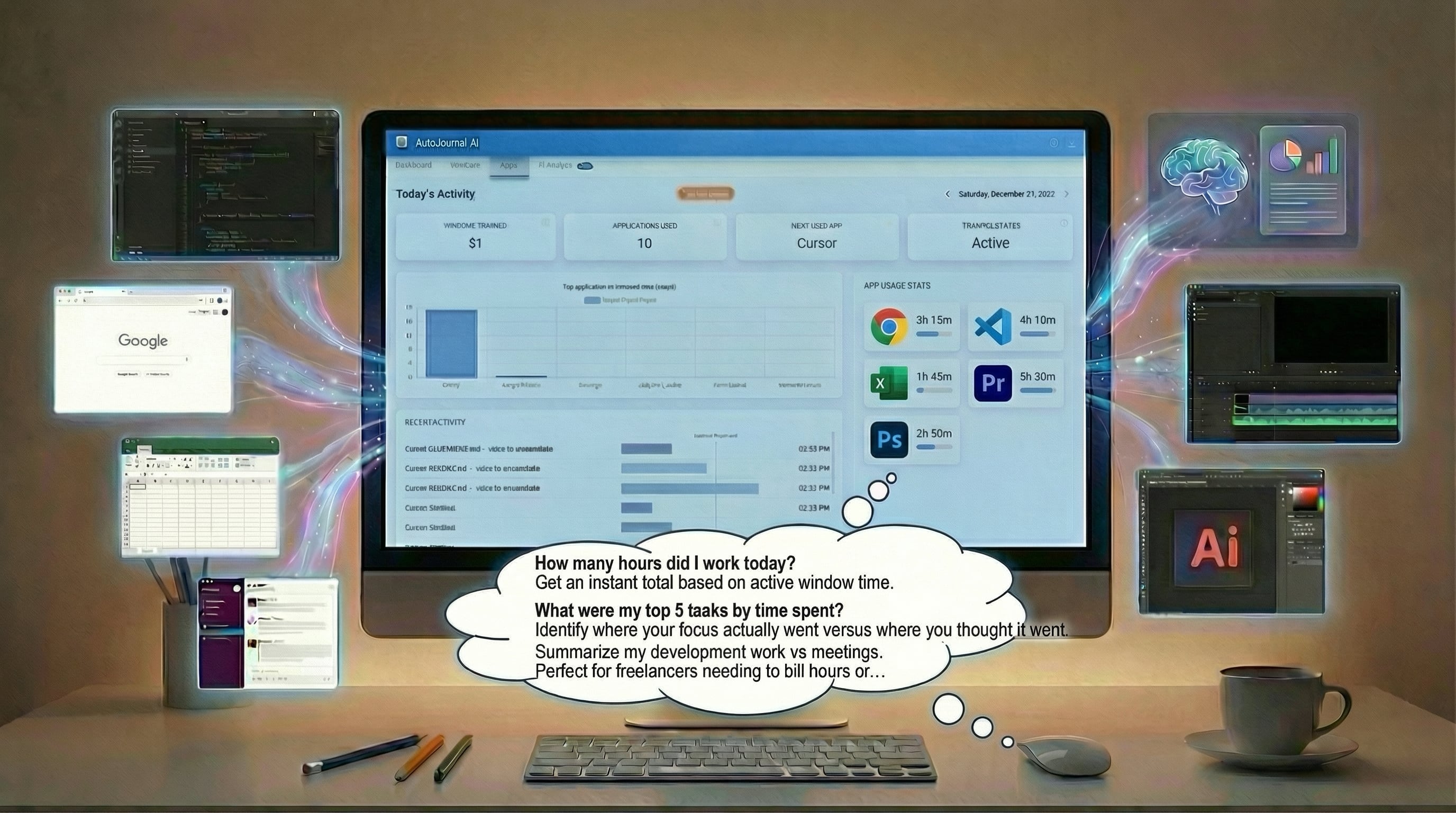
Get a clear overview of your day without sacrificing privacy.
100% Offline Privacy
Your journal data never leaves your machine. We don't track keystrokes and we never take screenshots. It's your business, not ours.
Incredibly Fast & Light
By only tracking window metadata instead of heavy visuals, AutoJournal uses virtually no CPU or RAM. You won't feel it running.
Detailed Granularity
Know exactly which file you were editing, which website you visited, and for how long. Track apps, specific windows, and peak hours.
How it works:
Tracking without being creepy.
Traditional time trackers take screenshots of your desktop every few minutes. This is invasive, wastes storage space, and slows down your Mac.
AutoJournal AI is different.
- We only log the active Window Title and process name.
- Data is stored locally in an efficient database on your hard drive.
- Zero internet connection required for core tracking capabilities.
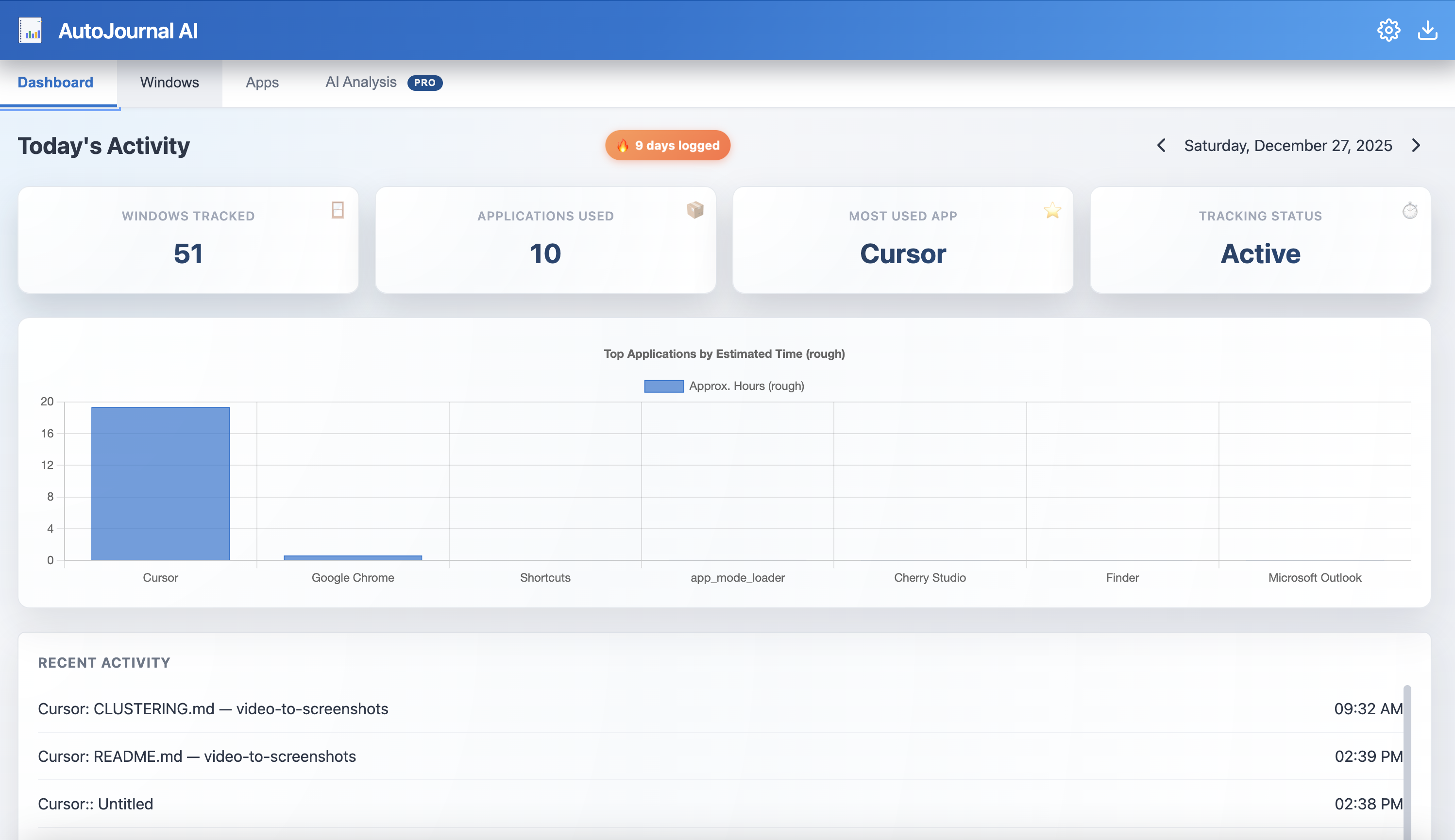
See exactly what you worked on, down to the second.
Chat with your Work Journal
Ask questions directly inside the app using built-in AI. Get instant answers about your work patterns, time spent, and productivity insights.
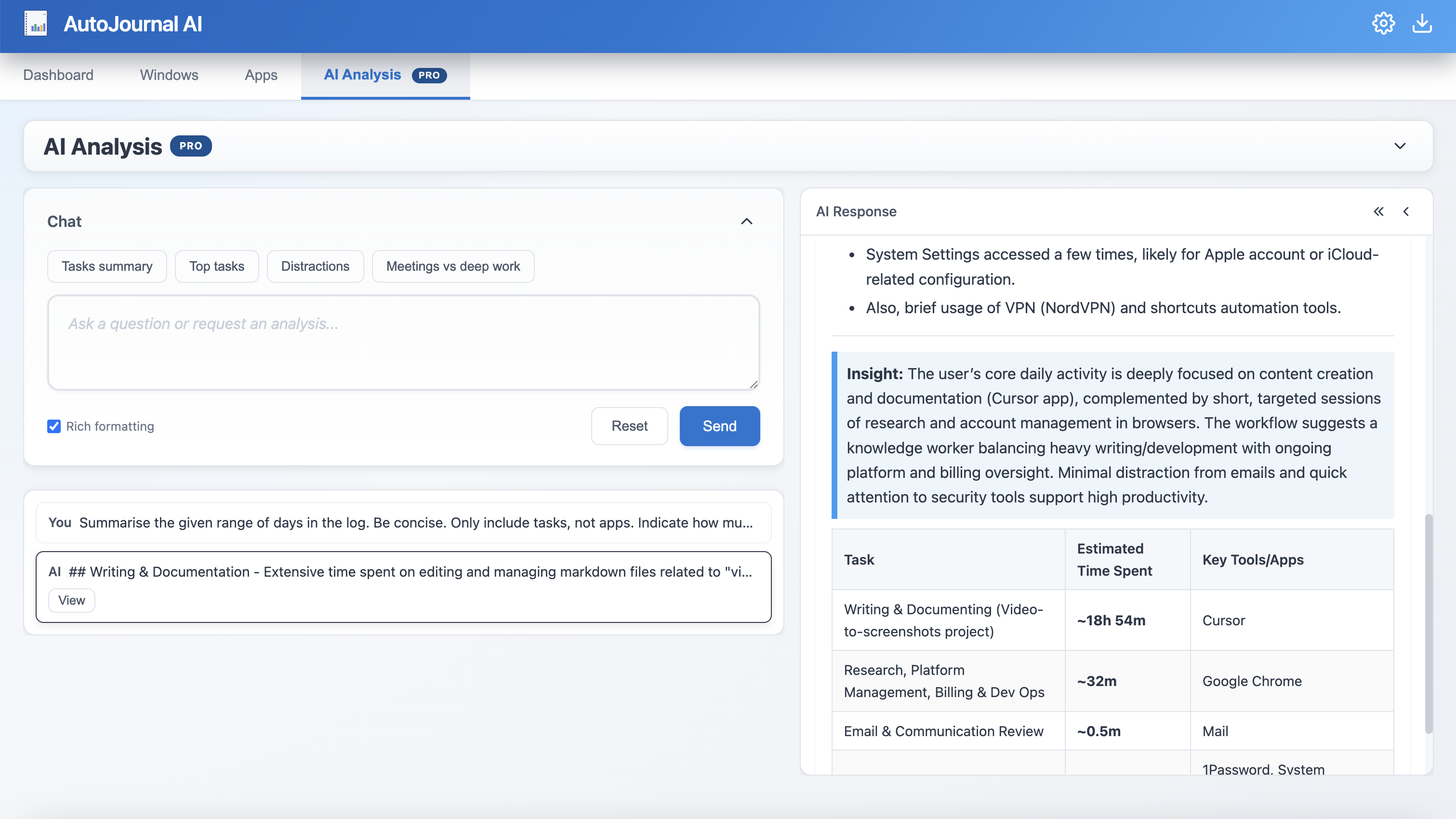
Ask questions like:
"How many hours did I work today?"
Get an instant total based on active window time.
"What were my top 5 tasks by time spent?"
Identify where your focus actually went versus where you thought it went.
"Summarize my development work vs meetings."
Perfect for freelancers needing to bill hours or developers tracking deep work.
Connect via MCP to External AI
Use the Model Context Protocol (MCP) to connect your journal to external AI tools like ChatGPT. Access your work history from any MCP-compatible AI assistant.
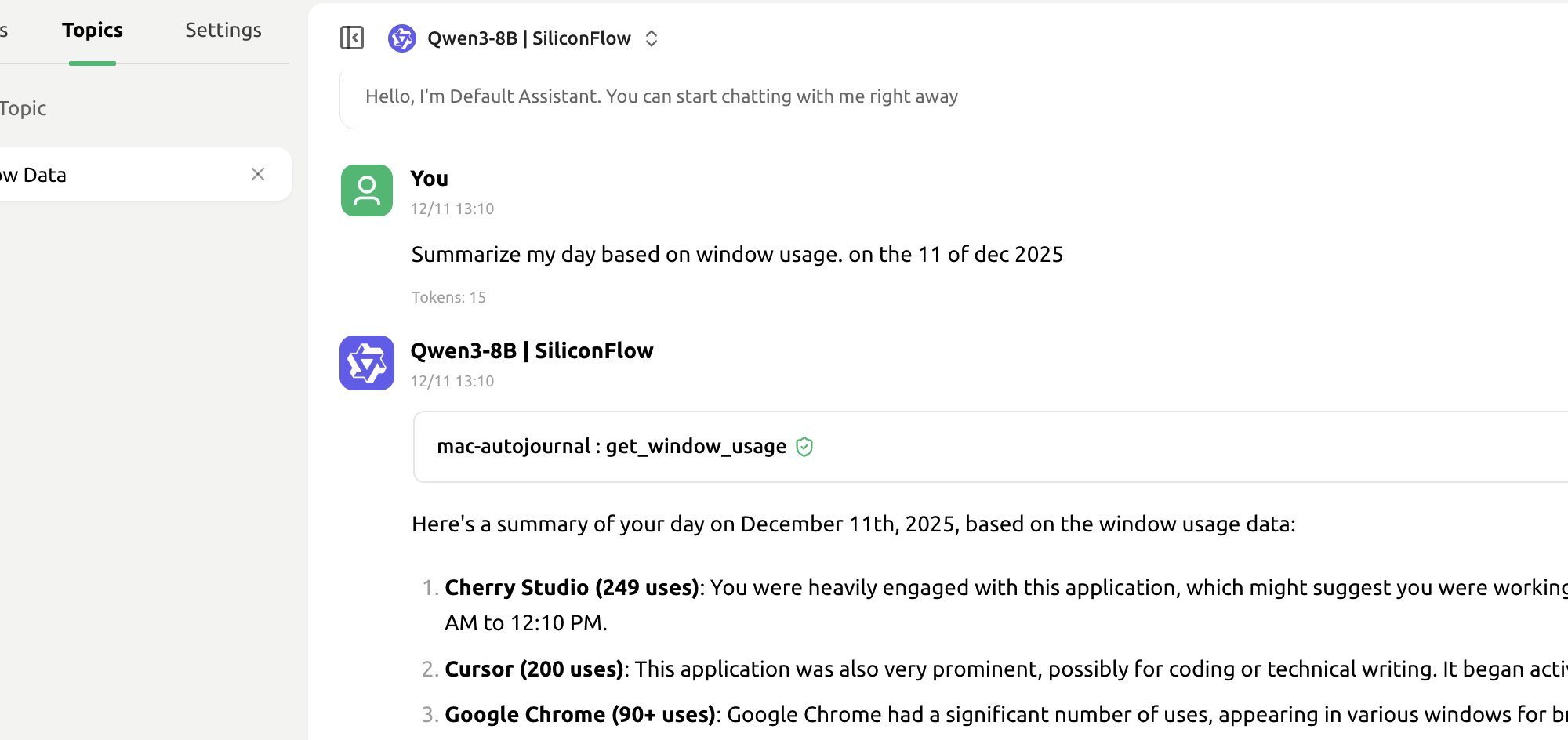
Use with external AI:
ChatGPT Integration
Connect your journal to ChatGPT via MCP for advanced analysis and insights.
Any MCP-Compatible AI
Works with any AI assistant that supports the Model Context Protocol.
Full Journal Access
External AI can query your complete work history through the MCP interface.
Note: MCP integration is optional. Your journal data remains private and is only shared when you explicitly connect to external AI tools.
Take back control of your time.
Privately.
Stop guessing where the day went. Start building an automatic, detailed journal of your work life today.
Free trial available. No credit card required.